 Password Keyboard
A keyboard for passwords on Android
Latin passwords on Russian keys
Password Keyboard types only Latin letters, digits and symbols, exactly like a PC in the US layout. Do you remember a password as a Russian word typed in the wrong layout? Type the word as usual: «пароль» types gfhjkm.
- ASCII characters only, never Cyrillic
- No permissions: no network, no storage, no history
- Works on the lock screen
The app is not in any store, so Android asks you to allow the install. How to install
Passwords without surprises
A keyboard that types exactly what a PC would type, and remembers nothing.
-
The PC layout
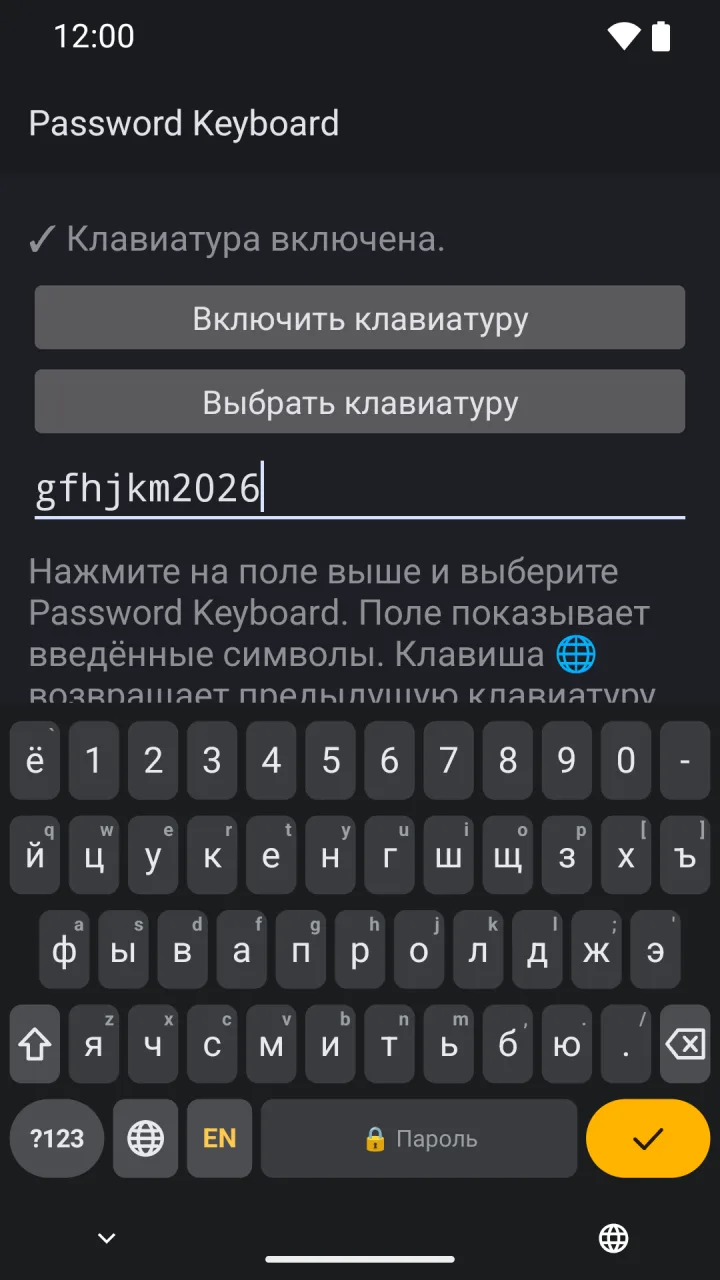
The keys sit where they sit on a PC and type what the US layout types, with Shift too: Shift+Б gives <. The small character in the corner of a key is what it types.
-
EN / РУ changes labels only
The EN/РУ key changes the labels on the keys. The output stays the same: «й» and «q» are one key.
-
Digits and every symbol
A digit row is always on top. The ?123 page holds all 32 ASCII punctuation characters and stays open until you tap АБВ (ABC with Latin labels).
-
Back in one tap
🌐 returns to the previous keyboard; a long press opens the keyboard list. After Done, Go, Send or Search the previous keyboard comes back by itself.
-
On the lock screen
The keyboard works in the lock screen password prompt, also before the first unlock after a reboot.
-
Nothing extra
No suggestions, no autocorrect, no key popups and no long presses on characters: nothing reveals the password or slows you down. Light and dark follow the system.
What it looks like
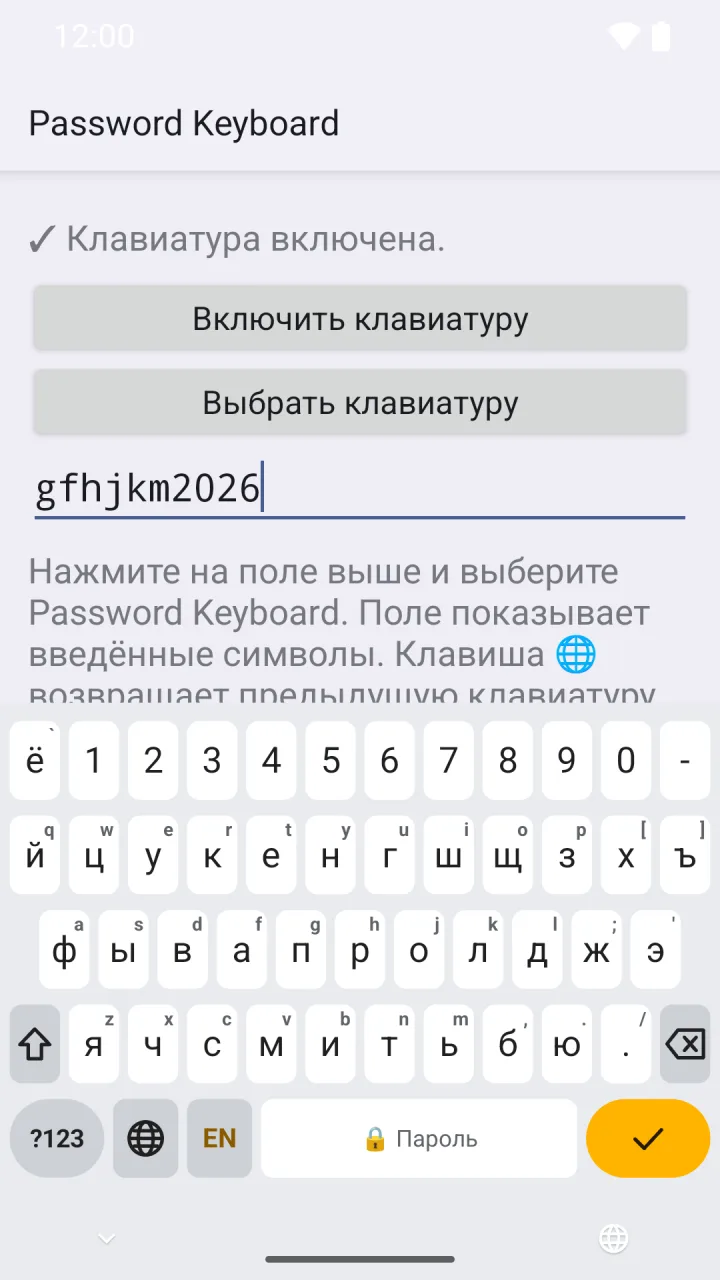
The test screen of the app: the field shows what the keyboard types. The app itself is in Russian.
-
Russian labels«пароль2026» types gfhjkm2026 -
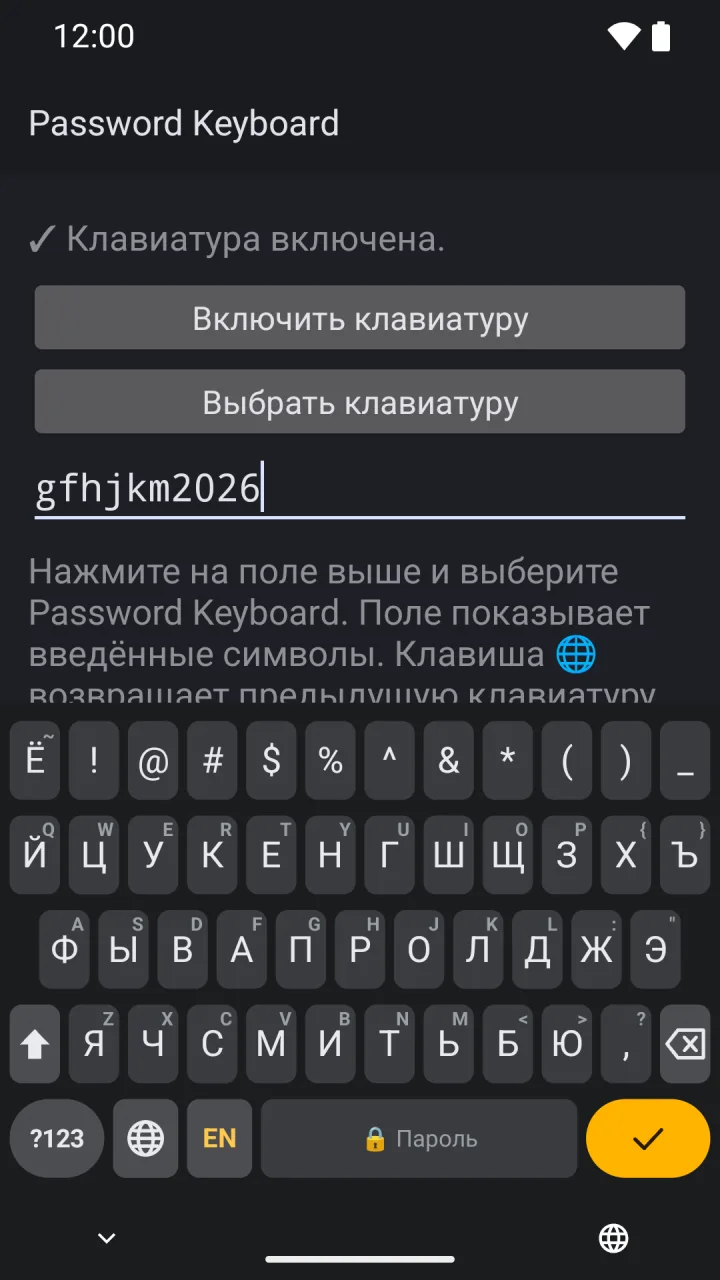
ShiftSymbols as on a PC: Shift+1 gives ! -
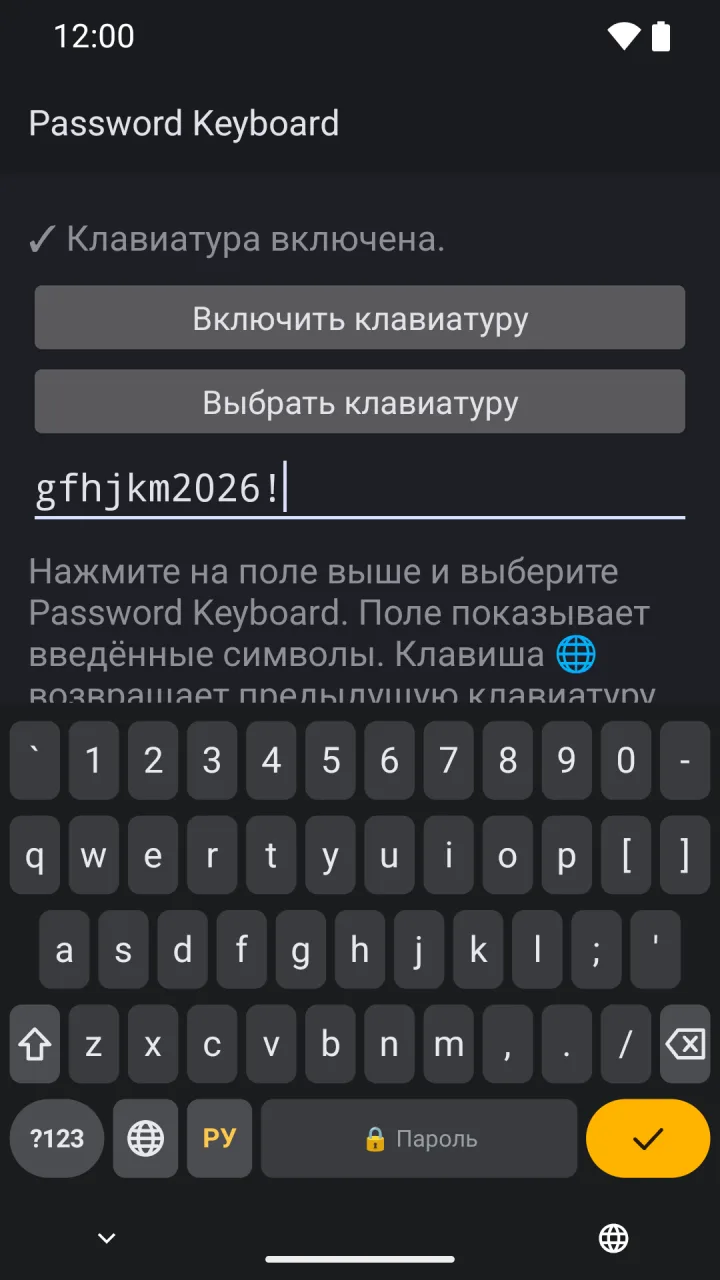
Latin labelsThe EN/РУ key changes the labels only -
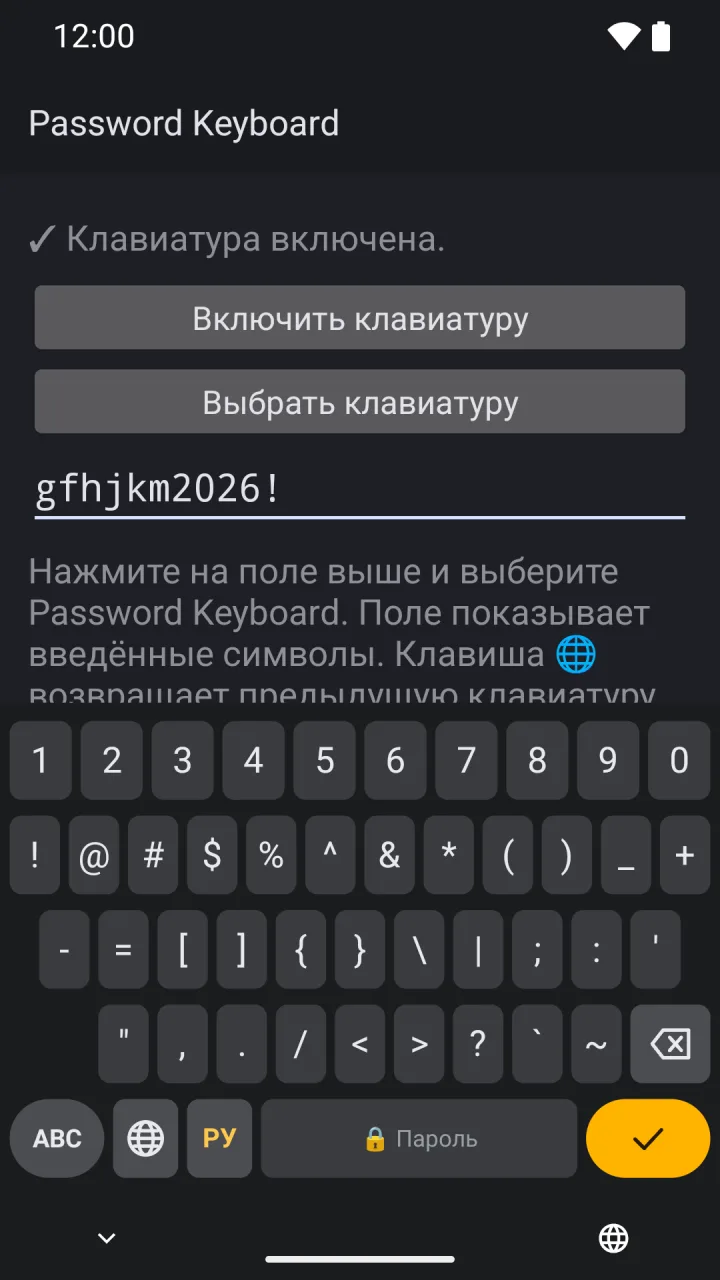
The ?123 pageAll 32 ASCII symbols
How to install
The app is not in any store; you install it from the APK file.
- Download passkeys-0.1.2.apk on the phone and open the file. Allow the browser to install apps.
- Open Password Keyboard and tap «Включить клавиатуру» (turn on the keyboard). Android warns that the keyboard can collect the text you type: it shows this warning for every keyboard.
- Tap the test field and choose Password Keyboard. In other apps, switch keyboards with the keyboard button at the bottom of the screen or the 🌐 key of the current keyboard.
- Xiaomi: if the settings have «Безопасная клавиатура» (secure keyboard), turn it off. Otherwise the system puts it into every password field.
To update, download the new APK and install it over the old one. The SHA-256 file holds the checksum and the version number.
Privacy
A password keyboard should know nothing. This one doesn't.
- Not a single permission, not even internet access: the app cannot send anything.
- Stores nothing: no history, no dictionary, no settings.
- Screenshots and screen recordings show the keyboard black.
- Not part of Android backups.